
Google Analytics Certified: Why Better Questions Beat More Data
Today, our founder, Sanjeevan Premkumar, renewed the Google Analytics Certification through Google Skillshop. You can verify the certificate here.
A certificate is a nice moment. But the reason behind it matters more to you than the badge.
What business leaders keep saying
Over the last three years, Sanjeevan has been at conferences and seminars where business leaders sat on panels and talked about what helps companies grow. One theme kept coming up: every company needs people who can read its data.
Not just people who collect numbers, but people who can work out which metrics matter, where the business is right now, what’s working and what isn’t, and what to adjust next. That’s the work that helps a business succeed.
For most small and mid-sized businesses, much of that data already sits in one place: Google Analytics 4 (GA4).
Data is king, but only if you know how to use it
In a Forbes Business Council article, Ori Mendi, founder and CEO of Kueez, makes a point we agree with: data “won’t help you find an answer if you don’t know what the question is.”
His lessons are worth keeping close:
- Start with a direction. Without a clear question, you can run endless tests and reports that use up time and budget without telling you anything useful.
- Look past the first result. Data depends on your point of view and how deeply you analyse it. His team ran an A/B test on a new video ad that looked like a clear win. A closer look showed it was mostly taking revenue from other advertisers, so the overall result barely moved.
- Segment your customers. When they split the results by customer type, the new ad helped in some groups and hurt in others. The average had hidden both.
- Don’t be blinded by averages. The useful question isn’t “Does it work?” It’s “Where does it work?”, and sometimes “When does it work?”, because what works today may not work in six months.
What GA4 can tell a small or mid-sized business
GA4 can answer practical, everyday questions:
- Where visitors come from: search, ads, social media, email, other websites, or typing your address directly.
- Where they arrive: which pages people land on first, and which pages they leave from.
- What they do: how engaged they are, and whether they fill in a form, call, book or buy.
- Which devices they use: if most visitors are on phones, your mobile experience matters most.
- How groups compare: new and returning visitors, one city and another, one campaign and another.
Those comparisons are where the Forbes lesson comes alive. A site-wide average might say your contact form performs “okay”. Split it by device or traffic source, and you may find it works well in one place and poorly in another.
Five questions to ask your data
- What one action counts as a win on our website? A booked call, a form, a purchase or a phone call.
- Where are we right now on that action, compared with last month?
- Which traffic sources bring visitors who take that action, and which bring visitors who leave?
- Where does it work, and where doesn’t it?
- What one change will we make next, and how will we know if it helped?
A simple GA4 checklist
- Confirm GA4 is installed on every page, and only once, so visits aren’t counted twice.
- Mark your most important actions as key events (GA4’s name for conversions).
- Filter out your own team’s visits where you can.
- Use consistent campaign links (UTM tags) on emails, ads and social posts, so you can see what each one brings in.
- Connect Google Search Console to see which searches bring people to your site.
- Pick three to five numbers that tie to your goal, and review them on a set schedule.
- Compare segments, not just totals, before you make a decision.
- Note what you changed and when, so you can read the results later.
 Free PDF · Phone-friendly
Free PDF
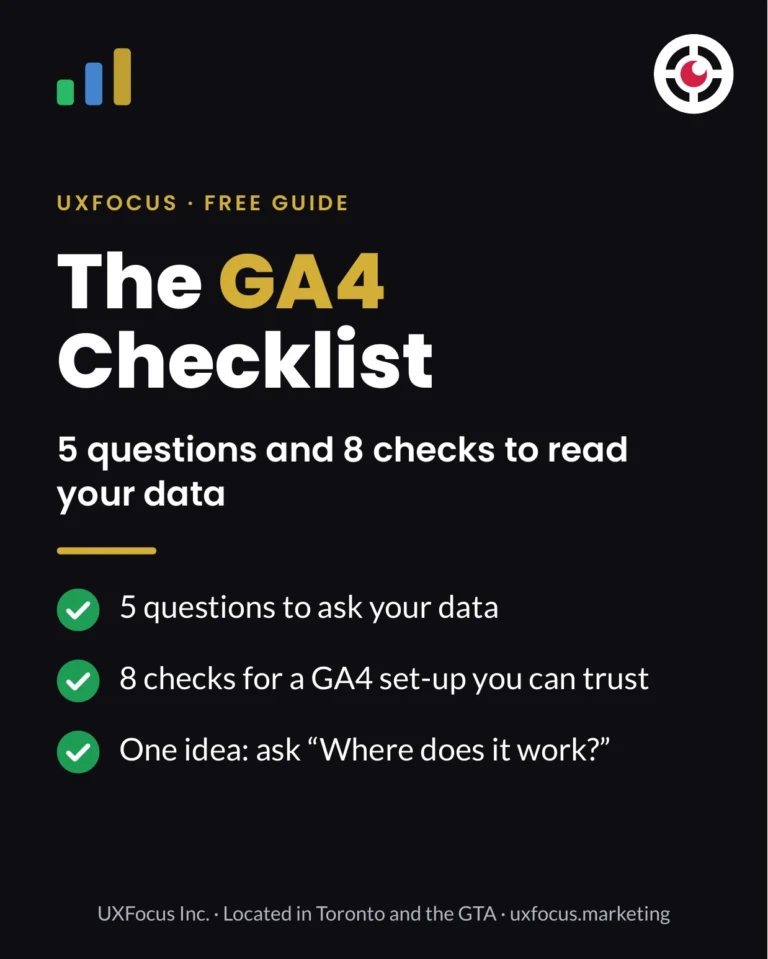
Get the GA4 Checklist as a free PDF
5 questions and 8 checks to see which numbers matter, where you stand and what to fix next. Print it, tick it off, share it with your team.
UXFocus Inc., Located in Toronto and the GTA. 26-5650 Winston Churchill Blvd, Mississauga ON L5M 0L8 · Privacy policy
How UXFocus uses data in our work
We’ve been building websites, designing brands and running digital marketing since 2013. Data ties those pieces together.
- Websites: we plan tracking for the actions that matter, so you can see which pages lead to enquiries.
- SEO: we use Search Console and GA4 together to see which searches bring the right visitors and which pages need work.
- Campaigns: we tag ads, emails and social posts so each one is judged on the leads it brings, not just clicks, and we read results by segment before deciding what to keep, change or stop.
No tool shows the full picture on its own, and no data set is perfect. Privacy settings, ad blockers and consent choices mean some visits are never recorded. That’s why we look at trends and compare groups, rather than chasing a single number.
Located in Toronto and the GTA, UXFocus Inc. works with business owners and marketing managers who want their website and marketing to work as one system they can measure.
Find out what your data is telling you
If you’re not sure which numbers matter for your business, or what to do with them, let’s look at them together.
Source: Ori Mendi, “Data Is King—But You Have To Know How To Use It,” Forbes Business Council, December 8, 2022.
Published by UXFocus
A digital marketing agency located in Toronto and the GTA. We build the website, the campaigns and the follow-up as one system, and every guide links to the official source behind its advice.